How do I complete KYC Verification on TopRate Transfer?
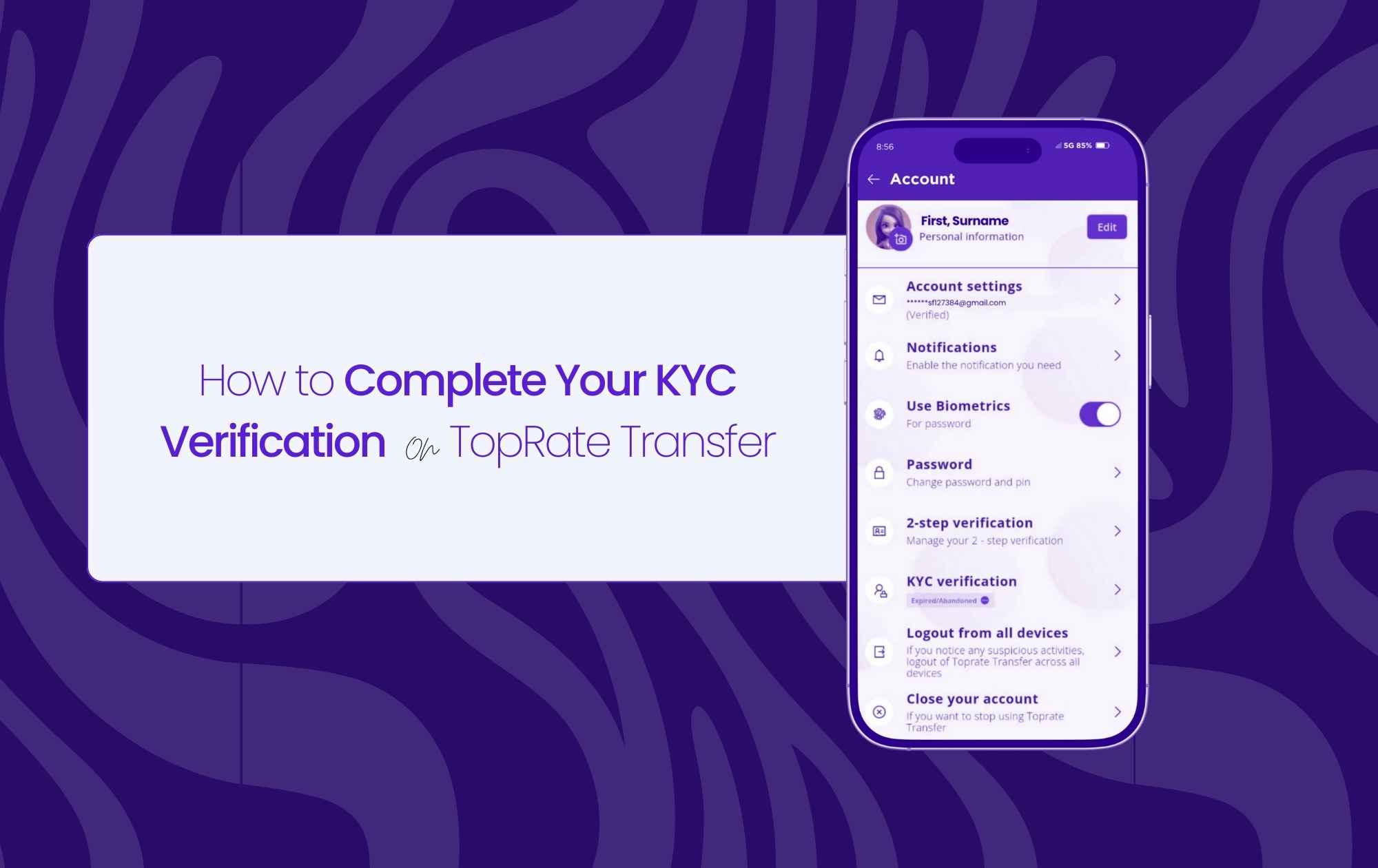
Ensuring the security of your financial transactions is our top priority. KYC (Know Your Customer) verification is a standard practice that helps us maintain a secure platform for all our users.
How to Complete Your KYC Verification:
Log In:
- Mobile App: Open the TopRate Transfer app and log in using your credentials.
- Website: Visit the TopRate Transfer website and log in to your account.
Navigate to Settings:
- Mobile App: Tap on the “Settings” icon.
- Website: Click on the “Settings” tab in your account dashboard.
Initiate Verification:
- Click on the “KYC Verification” option.
- Follow the on-screen instructions to initiate the verification process.
Identity Verification:
- Upload a Valid ID: Upload a clear photo of a government-issued ID, such as a passport or driver’s license.
- Take a Selfie: Follow the prompts to take a selfie that matches your uploaded ID.
Submit and Wait:
- Once you’ve completed all the steps, submit your verification documents.
- Our team will review your information and process your verification.
Once your verification is complete, you’ll be able to enjoy a seamless and secure money transfer experience with TopRate Transfer.